
SIM/eSIM & Internet in Korea.
Updated October 11, 2026
TRAVEL KNOW-HOW
Choose roaming, SIM, eSIM or pocket Wi-Fi by phone compatibility, arrival timing and backup access needs.

Compare the plan, not just the word eSIM
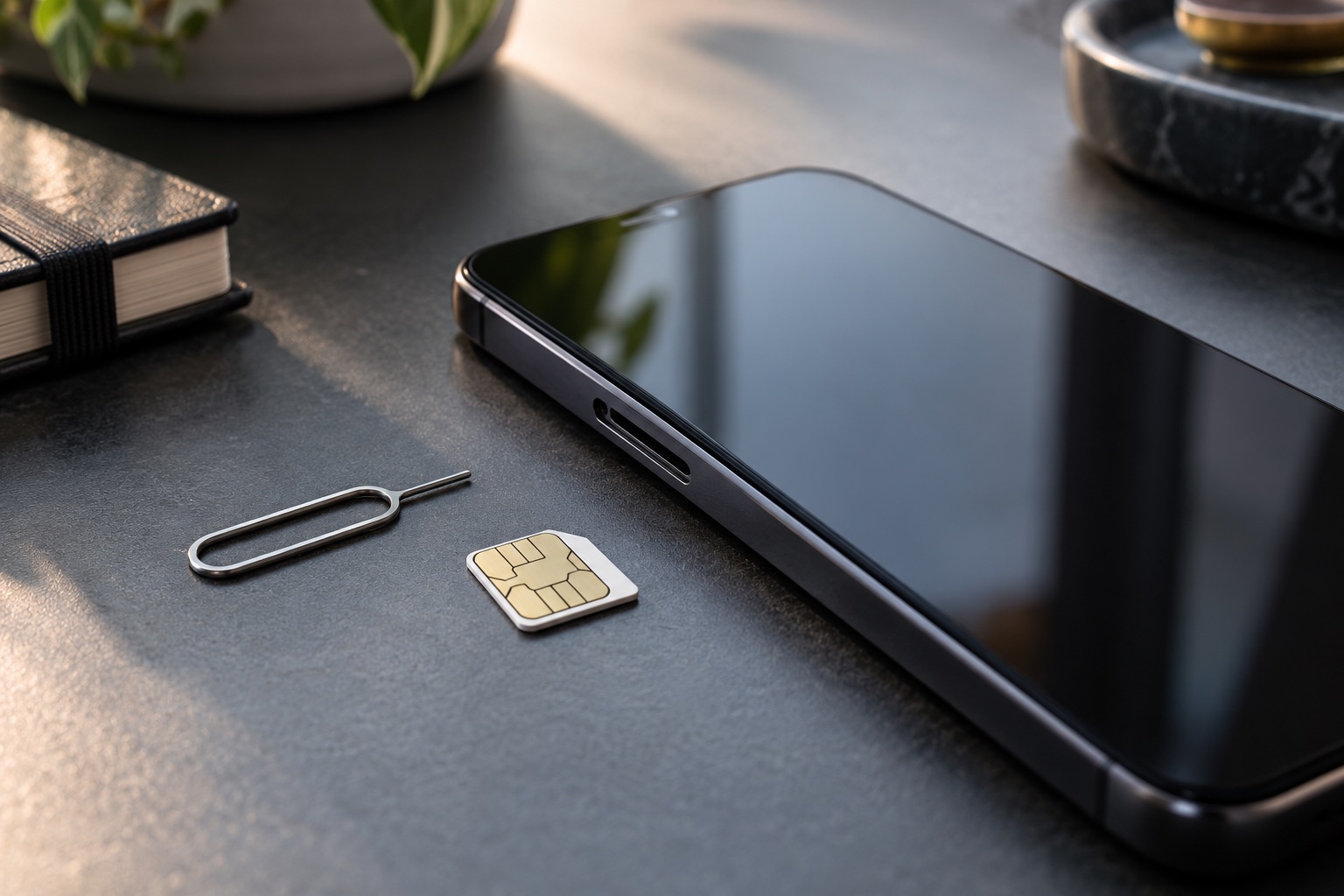
A phone supporting eSIM does not establish what a particular plan includes. Check device compatibility and lock status, then separate mobile data from voice calls, text messages and any local phone number. Read when the validity period starts, whether tethering is allowed and how support can be reached if setup fails. VISITKOREA lists both physical SIM and eSIM options and advises checking compatibility before buying.
| Situation | Decision | Check before committing |
|---|---|---|
| Roaming | Ask your home provider about coverage and charging | Useful only under your actual plan terms |
| Physical SIM | Check compatibility, pickup and identity requirements | Keep the removed home SIM safely |
| eSIM | Check compatibility, activation and data/voice terms | Save the provider instructions before travel |
| Pocket Wi-Fi | Check sharing, battery, pickup and return | A device without charge cannot provide the connection |
Separate installation from activation
Follow your chosen provider’s own instructions about when to install and activate; the start of validity is not identical across products. Save the order reference and support route before flying. If the connection fails, use airport Wi-Fi or your prepared backup to contact the provider, and keep the accommodation address available offline. Do not delete a profile as a generic troubleshooting step: replacement and reinstallation rules are product-specific.
- Check phone compatibility before paying.
- Check when the validity period begins.
- Check calls, SMS, tethering and refund conditions.
- Open the official provider listing in our travel-services directory to compare the actual terms.
On an iPhone, Apple’s travel guide shows the manual data-line choice under Settings → Cellular → Cellular Data. Select the intended travel line there, then test a map or message after setup. Installation alone does not prove that mobile data is using the right line. If you keep your home line enabled alongside the travel eSIM, Apple warns that home-line roaming fees can still apply. Check both providers’ terms and each line’s settings; follow the travel provider’s own requirement for data roaming rather than switching it on or off for every line indiscriminately. Android menu names differ, so use your handset maker’s instructions instead of treating the iPhone path as universal. Read the official instructions ↗
Check the original information
Practical planning guidance updated 9 October 2026. Availability, operating information and product conditions are confirmed by the relevant operator.
Question answered
Should I use roaming, eSIM, a physical SIM or pocket Wi-Fi for a Korea trip?
Quick answer
Choose by device compatibility first, then arrival timing and backup needs. eSIM is convenient only if your phone supports it and is unlocked. A physical SIM can be simple for one device. Pocket Wi-Fi can help groups, but it adds charging, pickup and return steps.
What travelers usually get wrong
- They buy an eSIM before checking whether the phone is unlocked and eSIM-capable.
- They forget that airport pickup counters may not match a late arrival.
- They rely on public Wi-Fi for maps, translation, ride apps and emergency contact.
Before you go
- Check phone lock status and eSIM support before purchase.
- Save voucher, QR code and provider support details offline.
- Keep one backup way to contact your hotel or travel partner during arrival.
Pick the connection type by failure mode
Roaming has the least setup but can cost more or throttle depending on the home plan. eSIM avoids a plastic card but fails if the phone is locked, incompatible or already full of eSIM profiles. A physical SIM is familiar but may require swapping cards and preserving the home SIM. Pocket Wi-Fi is shareable but depends on battery and return logistics.
The best option is the one whose failure you can handle on arrival day. If your flight lands late, choose something that does not require a counter that may be closed.
Arrival day is the stress test
Maps, translation, accommodation messages, ride apps and payment authentication may all depend on data. Set up what you can before departure, but keep screenshots and written addresses in case activation fails.
If the first hour in Korea is important, do not make connectivity a single point of failure. A small roaming day pass or airport Wi-Fi fallback can protect the handoff.

Shopping and affiliate safety
Compare the official provider listing before purchase. Koreafolio’s directory connects you to provider websites; plans, payment, support and cancellation are handled by the provider. A normal external link is not evidence of an active commission arrangement.
When offers exist later, each listing should show coverage, device requirements, pickup/return conditions, refund terms, support language and last verification date.
Internal links for the next decision
Last updated and source-check structure
Last updated: 7 October 2026. App rules, taxi fares, telecom products, airport pickup counters and refund terms change often; verify with official operators or providers before paying. This page is not an official notice, booking service, payment service or emergency service.