

Question answered
Which apps should a traveler prepare for Korea, and what should be saved offline before arrival?
Start with navigation and translation
VISITKOREA’s official app guide includes Naver Map for local navigation and place information, Papago for translation, and Emergency Ready for multilingual safety information. Choose tools for the tasks you need, then test them before your flight. An installation alone does not confirm that your preferred language, sign-in or saved places are ready.
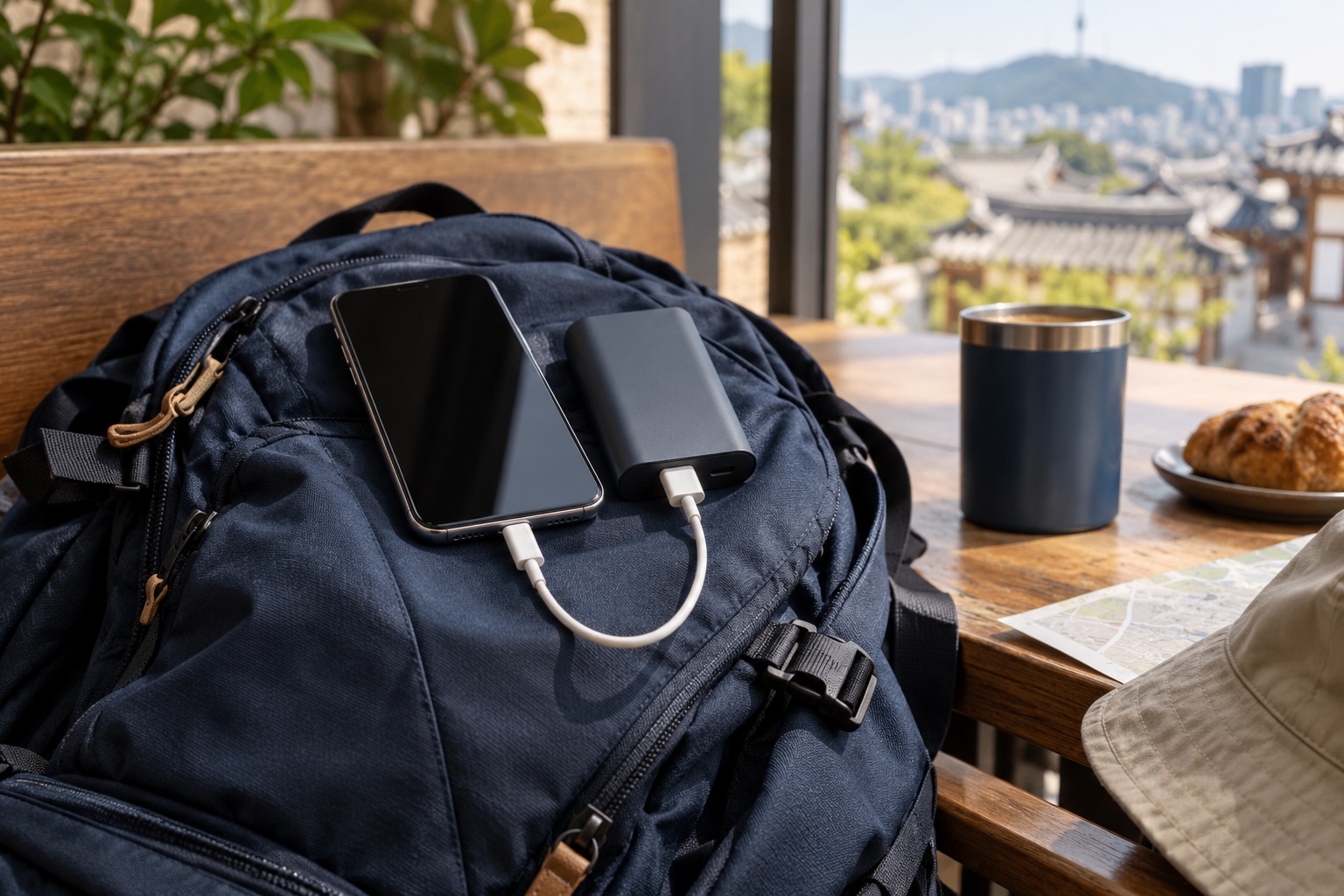
For a simple rehearsal, find your accommodation, save its Korean address, and check a route from your arrival point. Try translating a short everyday phrase, then make sure your critical address and reservation details remain available when your data connection is off. Illustrative images in this article are not screenshots of these products.
Official VISITKOREA app and resource guide. Features and availability can change.
Quick answer
Prepare apps by use case: maps/navigation, translation, transport, ride-hailing, messaging, payments or reservations, and emergency information. Do not rely on one app for every task. Save hotel addresses, booking references and key Korean phrases offline in case data, login or verification fails.
What travelers usually get wrong
- They install many apps but do not test logins before departure.
- They assume an overseas phone number can receive every verification SMS in Korea.
- They rely on a map app alone without saving the Korean address or nearest station exit.
Before you go
- Install and open critical apps before flying, while you still have stable access to your home number and app store.
- Save screenshots of hotel address, reservation, airport route and emergency contacts.
- Keep browser access as a fallback when an app requires a local number or refuses a foreign card.
Build an app stack around decisions
For most visitors, the useful app stack is not a long list. It is a small set that covers navigation, translation, transport timing, taxi or ride request, messaging with accommodation, and document backup.
If an app is only useful after login or identity verification, test that step before travel. The failure point is usually not download; it is login, SMS, card registration or location permission.
Map and translation backups
Korea-specific mapping and transit apps can be more useful than a general map in some contexts, but no single app should be treated as the authority for every business hour, entrance, route or fare. Cross-check important decisions with the venue or operator.
Translation apps help with menus and signs, but allergy, medical and legal matters need more precise preparation than pointing a camera at text. Save prepared phrases for high-risk needs.

Privacy and permissions
Grant only the permissions needed for the task. Location permission may be necessary for maps or taxis, but contacts, photos and notifications should be considered separately.
Use the provider’s official website or your device’s official app store to find downloads. Check the publisher name before installing, and avoid unofficial download packages.
Internal links for the next decision
Last updated and source-check structure
Last updated: 7 October 2026. App availability, language support, emergency numbers, public alerts, medical access and embassy procedures can change; verify with official providers, local authorities, your insurer or your embassy before relying on them. This page is not an emergency service, legal advice, medical advice or official notice.