
I have lived in Korea for close to thirty years, and a local eSIM is still the first thing I suggest to a visitor whose phone supports the plan. You can open a map, contact the hotel and change plans without looking for Wi-Fi each time. For me, that convenience matters more than saving a small amount and arranging every connection around a hotspot.
Choose the network by comparing the actual plan, its coverage information, its support and the total cost, because a familiar name will not tell you whether a package includes calls, enough data or the help you need.
The options, with a price to compare
LG U+ publishes its visitor prices, so its figures make a handy yardstick. They are list prices before any discount code. SK Telecom's visitor site shows a different kind of product: a 5G eSIM bundled with voice, text, a palace pass and a transport card, at 25,000 won for 3 days and 34,500 won for 5. SK Telecom, KT and LG U+ all run counters at the airport, so compare before you buy.
| Option | Suits | Example cost | Settle first |
|---|---|---|---|
| Travel eSIM | An unlocked phone that supports eSIM, independent travel | LG U+ unlimited LTE data: 6,500 won for 1 day, 18,000 for 3, 27,500 for 5 | Device support, activation start, no outgoing calls on data-only |
| Physical SIM | A phone with a usable SIM slot but no supported eSIM | LG U+ lists the same daily prices, with a 010 Korean number, airport pickup | Carrier lock, registration, counter hours |
| Home roaming | Anyone with a good package who wants no setup | Ask your carrier | Korea coverage, limits, extra charges, the rate for local calls |
| Pocket Wi-Fi router | A group that stays together | LG U+ pocket Wi-Fi from 4,400 won; 4 GB a day, then up to 5 Mbps | Battery, range, pickup and return |
| Public Wi-Fi only | A tight budget and a plan built around known spots | Free | Offline copies of everything |
If you already have a suitable roaming package and do not want another task, do not complicate the trip to follow my preference. Roaming keeps the phone working much as it does at home; just check the allowance and charges, and that Korea is included. A shared router is fine until the group splits up, when the person without it may lose the connection just as they need directions back.
You can also buy a physical USIM at CU, GS25, 7-Eleven and Emart24, VISITKOREA says, though stock varies by branch.
Airport counters and their hours
Incheon's roaming centres sell SIMs and lend routers, and this is where a late flight can catch you out. Most counters keep shorter hours, commonly 06:00 to 22:00 according to the Incheon Airport counter pages linked below, but each operator has a 24-hour one.
- Terminal 1: SK Telecom, KT and LG U+ all have a 24-hour counter near Arrival Hall F on the west side of the first floor.
- Terminal 2: SK Telecom's 24-hour counter is near Exit 7 on the first floor. KT's and LG U+'s are near Exit 4.
Check the phone before you pay
Confirm the exact model and the country where it was sold, because models with similar names can have different SIM arrangements. An iPhone needs to be an XS, XR or later for eSIM and must be unlocked: look under Settings, General, About for “No SIM Restrictions” beside Carrier Lock. For other phones, LG U+ suggests dialling *#06#; if an EID appears, the phone supports eSIM.
It also warns that its eSIM cannot be used on Google Pixel or OPPO devices, and that service may not be available on devices bought outside Korea, depending on network conditions.
Next, read the small print of the plan. At LG U+, you must activate within 60 days of purchase, data eSIMs are not refundable after payment, and the days count from when you first use data. Installing, arriving and first connecting are not interchangeable unless the product says so. Do not delete an eSIM as your first troubleshooting step either. LG U+ says a deleted eSIM cannot be restored.
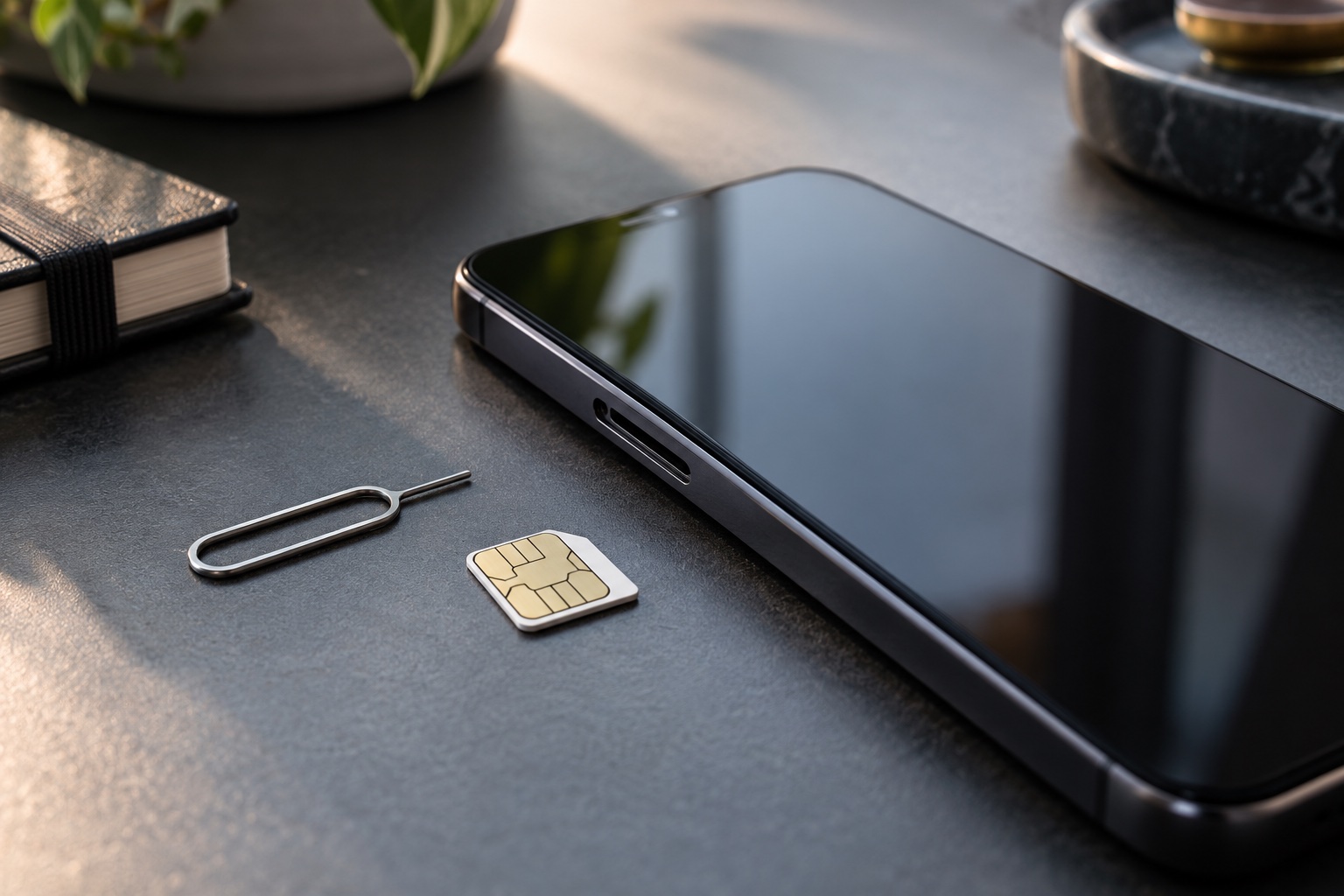
Save the order number, installation instructions and support link somewhere you can reach without mobile data. If you are collecting a SIM, match the terminal and counter hours against your arrival time. A product that looks convenient at noon may not be convenient after a delayed late flight.
Data, a Korean number and identity checks are three different needs
Email is usually enough for hotel contact, and coming to Korea is not itself a reason to get a Korean number. Maps and internet messaging need data. Ordinary calls and texts are a separate requirement, and a Korean identity check is a third. To phone Korean numbers, a SIM card is the simple way, as most come with a Korean number. A home plan that roams can place those calls too, so ask your carrier for the rate: M1 in Singapore, for one, lists S$2.58 a minute for local calls in South Korea.
“eSIM” does not always mean voice and SMS. LG U+ separates Data Only, with no outgoing calls or texts, from Data + Voice, which allows SMS verification for restaurant and taxi apps but not banking or government identity checks. It charges 4.4 won a second for outgoing domestic calls and 55 won for a text.
SK Telecom's voice plans want passport verification before incoming calls and texts, and a top-up as well before outgoing ones. A global seller may give you no number at all: Airalo says many of its eSIMs only include data, and that data-only eSIMs have no phone number. The task table below shows which jobs really need a number.
Keeping a home line active can be useful for messages, but Apple warns you can still incur roaming fees on that line. Pick the data line under Settings, Cellular, Cellular Data, and follow your provider's instructions about roaming for that particular eSIM, since no single setting suits every product.
Task by task
| Task | What it needs | Korean number? |
|---|---|---|
| Maps, translation, messaging apps | Mobile data or Wi-Fi | No |
| Booking on Catchtable Global | A Google or Apple account, and a foreign-issued card for any deposit | No, says VISITKOREA, though not every restaurant takes part |
| Phoning a hotel, restaurant or other Korean number | A line that can place calls in Korea | Not necessarily: a SIM with a number or a home plan that roams can both do it, at different rates |
| A street taxi | Nothing but the address | No |
| Taxi apps made for visitors | TABA signs you up with your own mobile number or a Google or Apple ID; k.ride skips the KakaoTalk sign-up that Kakao T relies on | Not for these |
| Kakao T | VISITKOREA says to sign up with your local number | Possibly; test it before you rely on it |
| A restaurant's callback or a queue text | A number that can receive that call or message | Sometimes; ask the venue |
| An SMS code in a Korean booking or taxi app | A plan with voice and SMS | Yes, and LG U+ says data-only plans cannot do this |
| Banking or government identity checks | Formal identity verification | LG U+ says its visitor plans do not support it |
So name the app when you ask a carrier. “Can I get a Korean number?” is less useful than “Can this product receive the notification this service sends?”
So name the app when you ask a carrier. “Can I get a Korean number?” is less useful than “Can this product receive the notification this service sends?”
What a number costs, as a yardstick
LG U+ publishes its visitor prices, so it makes a useful yardstick. Five days of unlimited LTE data lists at 27,500 won before any discount code. The Data + Voice version adds call credit on top: 5,500 won for 20 minutes, 11,000 won for 40. Five days with 20 minutes therefore comes to 33,000 won. LG U+ says voice items also require passport verification at an airport counter, so a number is not always something you can finish from your sofa, and text messages draw down the same call balance. KT sets out its own terms on its visitor site, and your home carrier's roaming rate for calls is the third figure to compare.
A booking form refuses your number
- Work out what it wants: a contact number, a text code or a formal identity check. These are three different problems.
- Look for an international page or a published contact channel for that venue. For a hotel, your confirmation and existing email are usually a better route than a domestic form.
- Check whether the restaurant takes bookings through a visitor service. Find your actual restaurant and date on it, then read the deposit, cancellation terms and how it will notify you.
- Never enter someone else's number or make one up. A callback could reach a stranger and the reservation could become unusable.
- If the service truly needs local voice or SMS, ask the operator about the exact product before you buy it. A number is no workaround for an identity check that the product does not support.
A five-minute test before you leave the airport
Install while you have a stable connection and the provider's instructions in front of you. Some setups need Wi-Fi or a hotspot, and if the instructions are on the same phone, check the supported installation method before assuming you can scan your own screen.
- Check that the travel line is installed and enabled.
- Select it as the data line and review the home line's charging settings.
- Turn off Wi-Fi briefly and open a new page to test mobile data.
- Reopen the hotel address and your route from the airport.
- If voice or SMS matters, test those too, under the plan's rules.
If it fails, use airport Wi-Fi to contact the provider with your order number and the error shown. Do not keep buying plans before you know whether the phone, the activation timing or a setting caused the problem. The priority is keeping the accommodation address and a workable way to reach it available.
Public Wi-Fi and getting help
Public Wi-Fi is plentiful in Korea, including at the airport and in many places around Seoul, and VISITKOREA says it is available at most public places, with sign-up at wififree.kr. It makes an unprepared arrival more manageable. It does not mean every street, venue or moving vehicle will connect at the moment you need it, which is why an eSIM is still the more convenient choice. If keeping costs down matters more than constant access, plan around known Wi-Fi locations and save the essentials first.
Keep the key numbers somewhere separate: 119 for fire or ambulance, 112 for police, and the Korea Travel Helpline on +82-2-1330. A data-only plan may not make ordinary calls, but VISITKOREA also offers the helpline as a free online call and as a chat, so you can use it over Wi-Fi or data. In an emergency, ask nearby staff for immediate help and do not spend time troubleshooting a travel package.
Three questions people ask
Should I buy before arrival or at the airport?
I prefer to settle compatibility and instructions before arrival. If you want counter assistance or a physical SIM, use the provider's listed airport location, after checking its hours and what identification it needs. LG U+ asks for a passport check at the counter on voice products. Not every terminal has the same services.
Is unlimited data the only thing that matters?
No. Read the speed limits, fair-use conditions, hotspot rules, duration and support. Even LG U+'s “no speed cap” plan says speeds may be managed during heavy congestion. A plan should match the way you travel, not the largest word in the advertisement.
Can I keep my usual messaging accounts?
Check each account's access and verification needs before changing lines. Internet messaging and receiving an SMS to your home number are different tasks, and login access is much easier to sort out before you leave home than outside a hotel.
Pages behind this advice
These pages were opened in November 2026 while this guide was prepared. Where a page could not be read again in full, the text reports only what that page said when it was published.
- Apple: travel eSIM, carrier lock and dual-line guidance
- Korea Tourism Organization: communications and airport services
- Korea Tourism Organization: emergency numbers and the 1330 helpline
- KT: visitor products, current terms and support
- SK Telecom: eSIM bundle prices and voice conditions
- M1: roaming rates in South Korea, including local calls
- Airalo: calls and texts on its eSIMs
- LG U+: eSIM prices and notices
- LG U+: pocket Wi-Fi
- LG U+: SIM and eSIM FAQ
- Incheon Airport: T1 roaming counters and T2 roaming counters
- VISITKOREA: Catchtable Global account and payment options
- Catchtable Global: participating restaurants and reservation terms
- LG U+: eSIM prices and voice options
- LG U+: SIM plan comparison, including incoming calls and texts
- VISITKOREA: ride-hailing apps